

Attendance notes
Turn dictation or an authorised meeting into a consistent note covering attendees, instructions, advice, decisions, and next actions.
Give departments one control model for speech, matter knowledge, drafting, and review while each practice team keeps the templates and handoffs its work requires.

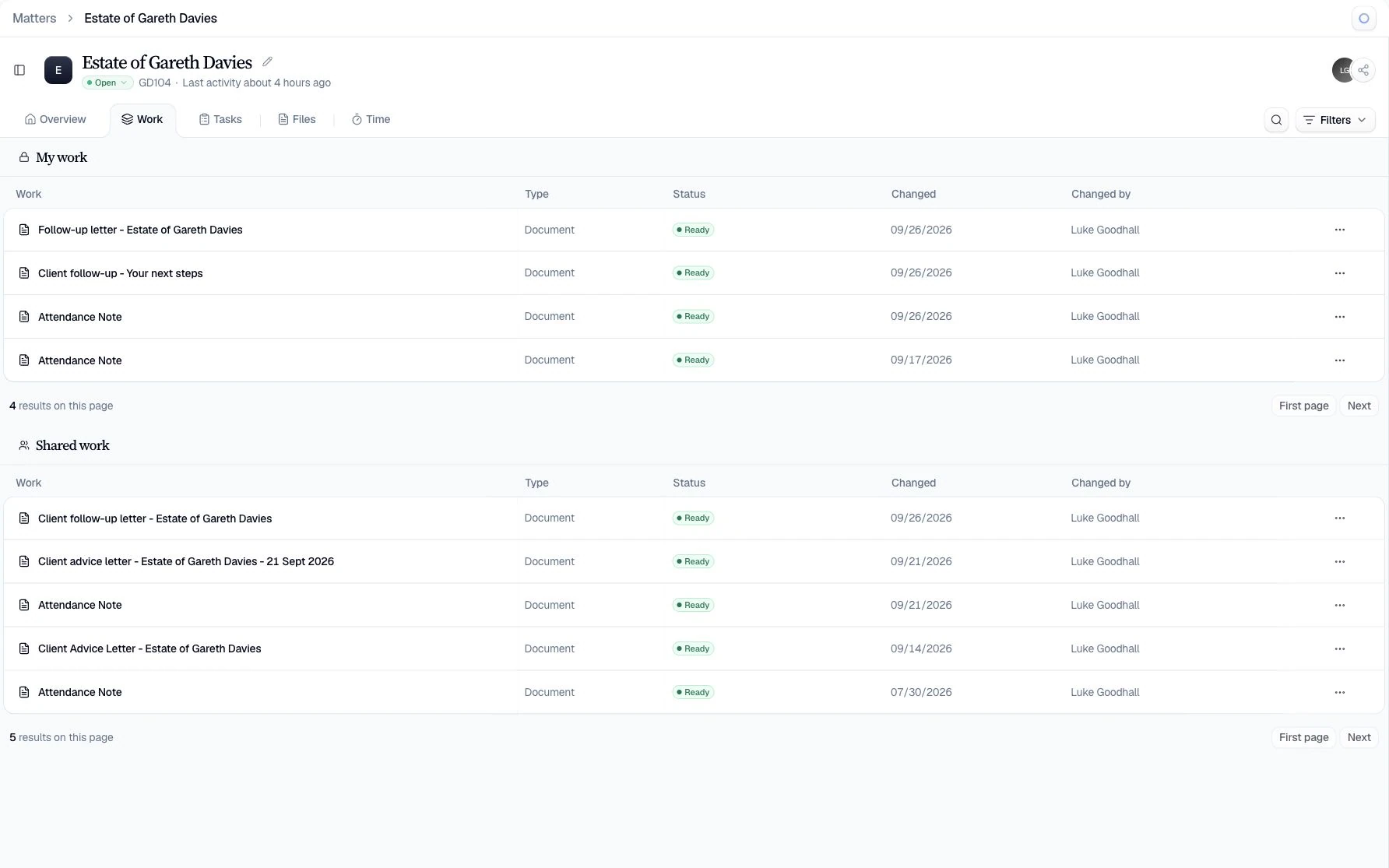
Legal work moves between calls, dictation, correspondence, document packs, precedents, and review. Point tools leave fee-earners rebuilding the same context at every step.
Speech and notes sit outside the working matter.
Important instructions are retyped or reconstructed before the team can advise, draft, or delegate.
Document answers lose their path back to source.
Unsupported summaries are difficult to supervise when a fee-earner needs the exact passage behind a date, clause, or fact.
Generic AI hides the professional approval boundary.
Legal teams need visible proposals, permissions, and review, with every change presented for a clear decision.
Keep the original record close, structure what matters, and make every generated output a reviewable draft.


Capture or upload
Dictate, record an authorised meeting, or add the matter documents the team already holds.
Structure and verify
Correct transcripts and extract defined fields into cited Tables that keep answers connected to source.
Draft and approve
Prepare notes, correspondence, and document changes for an authorised fee-earner to review and accept.
Start with a clear firm-approved structure, bring in the relevant matter context, and keep every generated document open to review.
Turn dictation or an authorised meeting into a consistent note covering attendees, instructions, advice, decisions, and next actions.
Structure dates, events, parties, and supporting references into a chronology that remains connected to the underlying documents.
Prepare a first draft on the firm’s format using approved matter context, with the responsible fee earner retaining final approval.
Capture and structure
Turn existing legal inputs into a working record.
 Legal dictation
  Meeting transcription
  Cited extraction
  Matter search
 Draft and govern
Keep outputs visible and reviewable before use.
 Firm templates
  Proposed changes
  Human approval
  Workspace permissions
 Ardela supports the work around legal decisions, while qualified professionals provide legal advice and remain authoritative on every output.
Tables connect extracted answers to uploaded source so a reviewer can inspect the underlying passage.
Roles, permission keys, sharing grants, and database row-level security limit access to sensitive work.
Clara proposes rewrites and redlines; an authorised person decides whether to accept each change.
Legal teams can use Ardela for dictation, meeting transcription, attendance notes, source-cited document extraction, matter search, template-based drafting, summaries, and approval-gated document review. The qualified professional remains responsible for advice and final work.
Ardela combines Voice, Clara, and Tables with clients, matters, tasks, deadlines, documents, and reporting. Its distinctive role is the work inside the matter: capture, structured knowledge, drafting, and review. Firms may evaluate it as a focused workspace or alongside another practice-management system.
Yes. Departments can use the templates, extraction fields, and workflows suited to their work while sharing firm-wide permissions, security controls, and approval conventions.
Recordings and documents are hosted in the UK by default.
Ardela organises source material and prepares drafts for review. The supervising professional provides legal advice, determines strategy, and remains responsible for the work.
Bring a representative handoff between fee-earners, support staff, and supervisors, then verify its permissions, source trail, and approval points together.
Book a demo
Leave your details and we’ll arrange a short walkthrough for your firm.

