

Tax client meeting notes
Structure the facts, assumptions, requested documents, decisions, and actions arising from a client conversation.
Turn UK client conversations, returns, accounts, schedules, HMRC enquiry material, and correspondence into a structured working record for professional tax review.

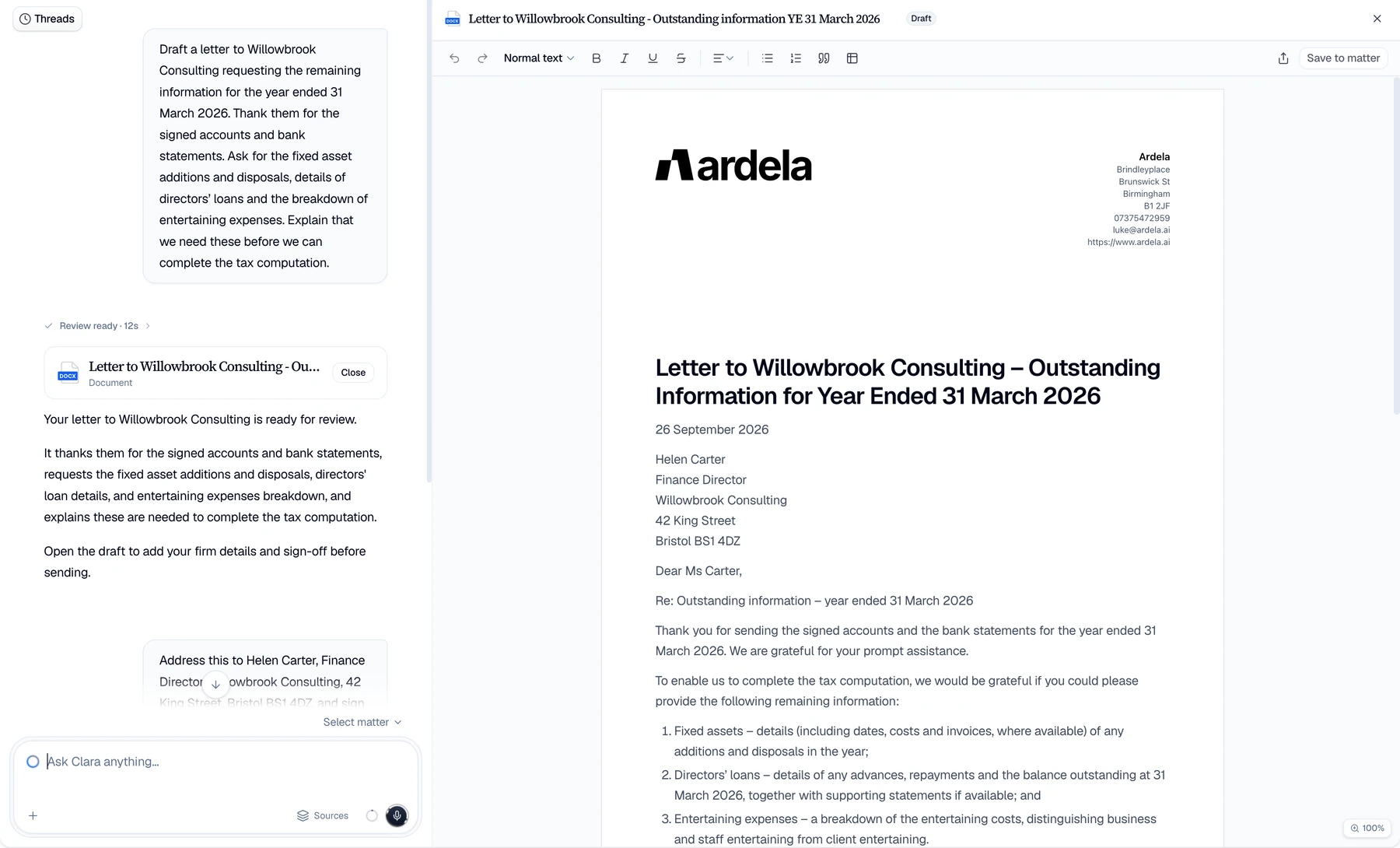
A single engagement can span calls, emails, prior returns, accounts, transaction papers, schedules, and authority correspondence. The professional first has to build a dependable record.
Client instructions are reconstructed after the meeting.
Facts, assumptions, documents requested, and follow-up actions are manually rebuilt before technical work can progress.
Key figures and dates lose their provenance.
Review slows down when the source behind an extracted amount, period, entity, or transaction is hard to find.
Generic AI can blur fact, assumption, and tax conclusion.
Tax teams need explicit source boundaries, professional review, and clear ownership of treatment and filing positions.
Capture the engagement record, organise the supplied documents, and preserve the difference between extracted fact and professional conclusion.


Capture instructions
Record an authorised client meeting, dictate a follow-up, or upload existing audio and correct the transcript first.
Structure the source pack
Extract defined facts, figures, dates, entities, periods, and missing items into a cited Table for review.
Prepare the working draft
Create notes, information requests, summaries, and correspondence for a tax professional to verify and approve.
Use consistent structures for tax information work while preserving source evidence, professional judgment, and reviewer accountability.
Structure the facts, assumptions, requested documents, decisions, and actions arising from a client conversation.
Organise accounts, returns, schedules, transaction documents, and notices into requested facts, periods, values, documents, and unresolved items.
Prepare first drafts of missing-information requests and enquiry correspondence while qualified professionals retain calculations, treatment, advice, and filing decisions.
Engagement inputs
Bring together the evidence behind the work.
 Client meetings
  Professional dictation
  Returns and accounts
  Transaction packs
 Working outputs
Keep facts, drafts, and approvals visible.
 Defined tax Tables
  Source citations
  Reviewable drafts
  Professional approval
 Ardela helps tax teams capture, organise, and draft from supplied material, while qualified professionals own calculations, treatment, advice, and filing.
Templates distinguish extracted source facts, client statements, assumptions, questions, and professional conclusions rather than blending them into one answer.
Tables keep material extracted values connected to their source so the reviewer can check the underlying document and context.
Client, engagement, service-line, template, and workflow terminology keeps the workspace aligned with tax work and its review process.
Tax professionals can use AI-assisted transcription, extraction, search, and drafting to organise client and source material, prepare meeting notes, identify missing information, and produce reviewable correspondence. Technical conclusions and advice remain with qualified people.
Tables can extract fields a team defines from supplied accounts, returns, schedules, transaction documents, and correspondence with citations. Material entries should be checked against source before use.
Tables can structure the fields a team defines and cite the supplied documents. The tax professional decides relevance, privilege, response scope, current-law treatment, and what should be sent to HMRC.
Ardela supports the information and drafting work around a tax engagement. Qualified professionals calculate liabilities, determine treatment, provide advice, approve returns, and own filing decisions.
Yes. Teams can use approved structures for client meeting notes, information requests, source-review Tables, and correspondence. Template availability should be matched to the organisation's plan and rollout.
Use a representative, appropriately protected engagement with an agreed source pack, field list, template, and review standard. Test factual fidelity, citations, permissions, approvals, exports, and failure handling before wider use.
Evaluate Ardela with an appropriately protected client conversation, source pack, approved template, and the professionals who own the final work.
Book a demo
Leave your details and we’ll arrange a short walkthrough for your firm.

