Dictation for fee-earners
Record a quick memo or upload existing audio, review the words in the editor, and correct names or legal terminology before anything is generated.
One recording product for solo dictation, multi-speaker meetings, and audio uploads, with editable transcripts across web, desktop, and mobile.

Fee-earners still re-listen, re-type, and reformat, before the note ever reaches the file.
Re-typing from audio burns the hour.
Multi-speaker meetings lose who said what.
Firm style gets applied last, again.
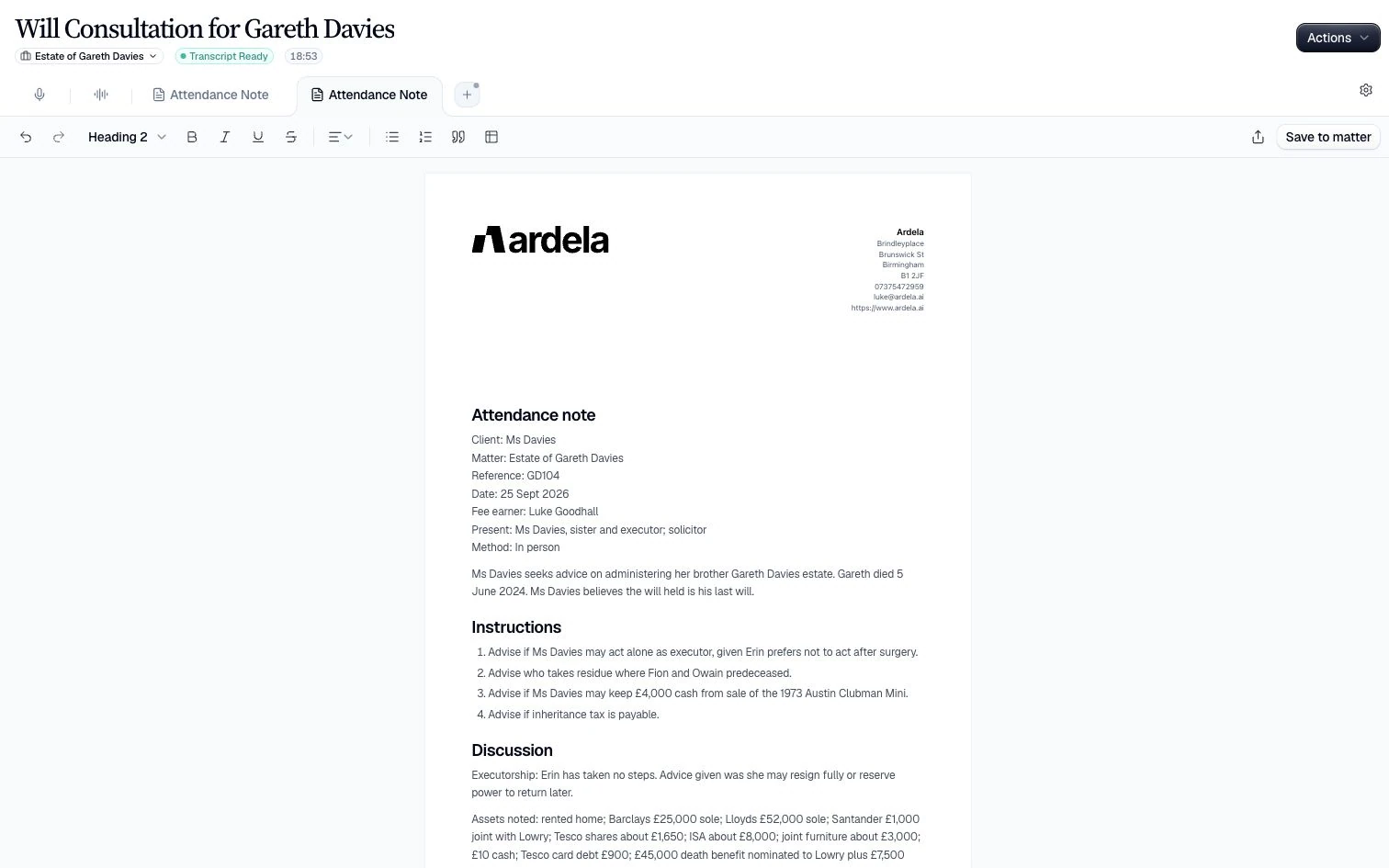
Capture speech, get an accurate transcript, then generate structured work product in the same editor.


Record or upload
Dictate live, capture a multi-speaker meeting, or import audio anytime.
Transcribe in real time
Watch words appear as you speak. Meeting mode labels each voice.
Generate on template
Apply a firm template, refine with Clara, export PDF or DOCX.
What it captures
Spoken work across the surfaces you already use.
 Solo dictation
  Multi-speaker meetings
  Audio upload
  Desktop & mobile capture
 What it produces
Structured text ready for the next step.
 Live transcription Speaker labels
  Editable transcript
  Template-ready input
 What you do next
Generate work product in the same editor.
 Generate notes & letters
  Refine with Clara Export PDF / DOCX
 Voice is the recording and transcription product behind Ardela’s spoken-work workflows. It keeps each recording, editable transcript, generated note, and export in one controlled workspace.
Record a quick memo or upload existing audio, review the words in the editor, and correct names or legal terminology before anything is generated.
Capture multi-speaker client meetings with speaker labels, then turn the agreed record into a structured attendance note rather than starting again from a blank page.
Apply firm templates, refine the draft with Clara, and export PDF or DOCX. The human remains responsible for the final document and every accepted AI change.
Learn more
Voice turns dictation and meetings into transcripts you can edit, then into notes and documents on your firm’s templates.
Book a demo
Leave your details and we’ll arrange a short walkthrough for your firm.

