Who it is for
Solicitors, chartered legal executives, and PAs who still dictate between meetings, after a hearing, or at the desk, then retype the hour into a note.
Replace the audio handoff with one accountable job: dictate in Voice, correct the transcript, generate on the firm’s template, and review the draft before filing.

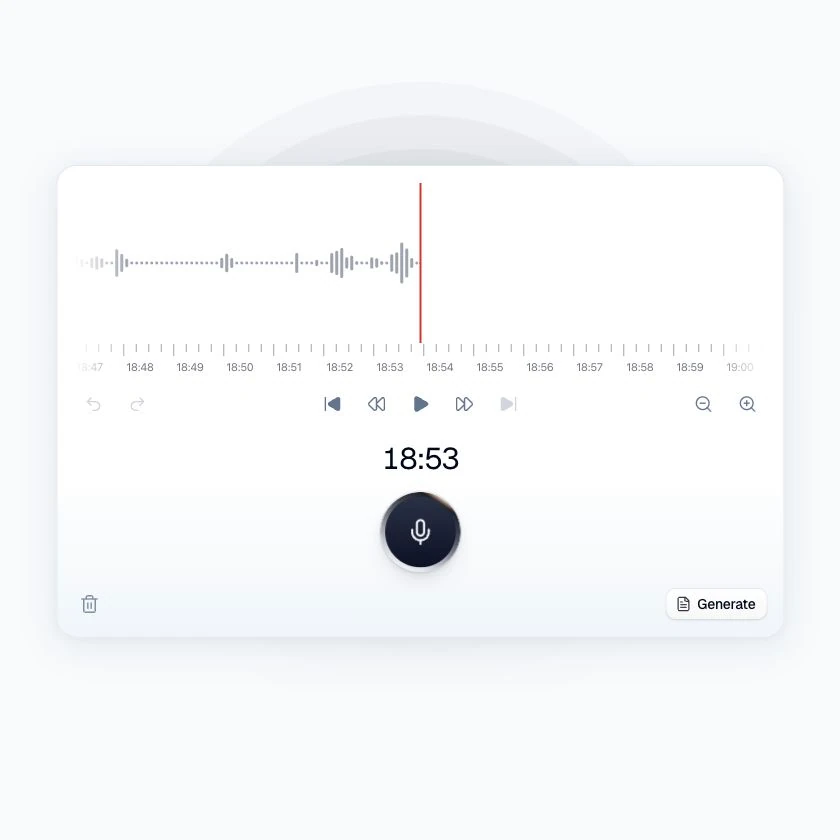
Traditional digital dictation stops at the audio file. Consumer speech-to-text stops at a generic paragraph. The hour is lost in between.
Speech is captured, then typed again from the recording.
Names, parties, and citations get mangled and left in.
Firm templates and letterhead are applied last, again.
Record or upload, correct the transcript, then generate onto a firm template. Clara proposes; you approve.


Record or upload
Live solo dictation in the browser, a desktop hotkey, mobile capture, or an audio file.
Correct the transcript
Fix names, figures, and legal terms before generation. Generation amplifies whatever you leave in.
Generate, then approve
Apply a firm template, accept or reject any Clara proposal, export PDF or DOCX.
Audience
England & Wales firms that still capture work as speech.
 Fee-earners
  PAs & secretaries
  Supervising partners
 Inputs
Spoken work across the surfaces you already use.
Live dictation  Desktop hotkey
  Audio upload
  Custom vocabulary
 Outputs & controls
File-ready drafts, with a human on every AI change.
Editable transcript  Template-backed note
  Approval cards
  Workspace access
 This is the job between a dictation file and a filed note. The fee-earner remains responsible for the document. Recordings and documents are hosted in the UK by default.
Solicitors, chartered legal executives, and PAs who still dictate between meetings, after a hearing, or at the desk, then retype the hour into a note.
Workspace roles and grants limit who can open the recording and note. Every Clara rewrite waits on an approval card. Capture is available on web, desktop (Windows and macOS), and mobile.
Capture is available on web, desktop, and mobile, with editable transcripts, firm templates, and approval-gated drafting in the same workflow.
Learn more
Legal digital dictation software records a fee-earner’s speech and turns it into a transcript or draft document. Ardela adds editable transcription, firm templates, and an approval step before the work is exported or filed.
Yes. Ardela supports browser capture, a desktop hotkey on Windows and macOS, mobile capture, and uploaded audio files, subject to the plan and device configuration in use.
Ardela supports custom vocabulary and template-backed drafts. Names, figures, citations, and every generated document still need review by the responsible fee-earner before use.
Ardela produces an editable transcript or draft. A person corrects the source record, reviews any AI proposal, and decides what is exported or placed on the matter file.
Try Voice with a representative memo you would otherwise type from the recording, then have the responsible fee-earner review the transcript and draft.
Book a demo
Leave your details and we’ll arrange a short walkthrough for your firm.

